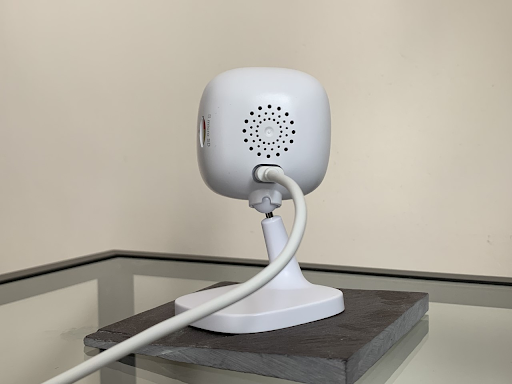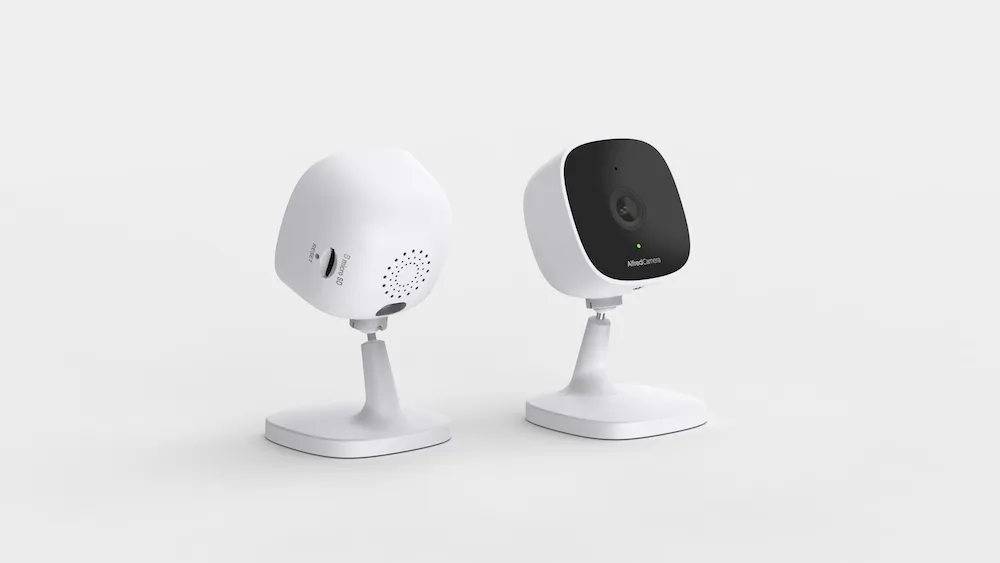
AlfredCamera has taken its first steps into the world of hardware camera releases with AlfredCam, a remarkably affordable and thoughtfully-designed security option that gets the basics just right. Get to know AlfredCam in our overview below.
Main Features
- 1080p HD with infrared night vision
- 130° field of view
- 3.8×2.3×1.5 inch (97x58x38 mm)
- 68g
- Two-way audio
- Motion detection & continuous recording
Packaging
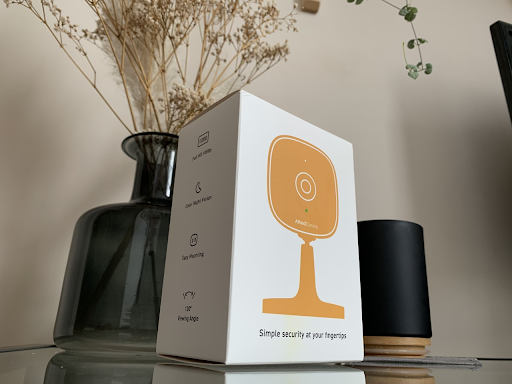
All outer packaging is 100% recyclable, made entirely from cardboard. Like the camera itself, the box is small.
Inside, you’ll find the camera, micro USB cable, charging adapter, alignment stickers, screws, and wall anchors.
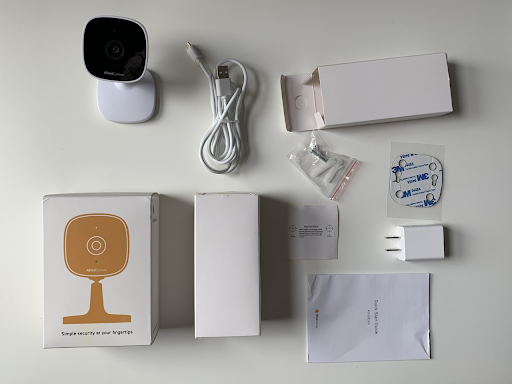
There’s also a handy quick start guide that demonstrates how to pair the device to the AlfredCamera app. The guide for the US release is written in English and Spanish.
Credit: Austin
Set-up
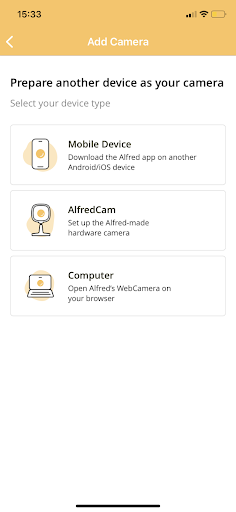
AlfredCam is a breeze to set up thanks to the AlfredCamera app, which makes security simple and approachable for everyone.
If you haven’t already, you’ll need to install the AlfredCamera app and sign up for an account.
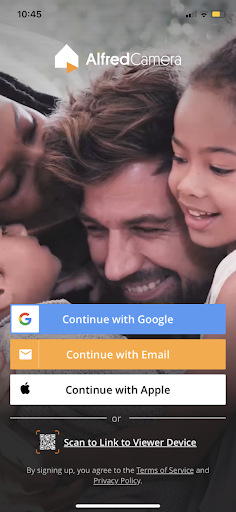
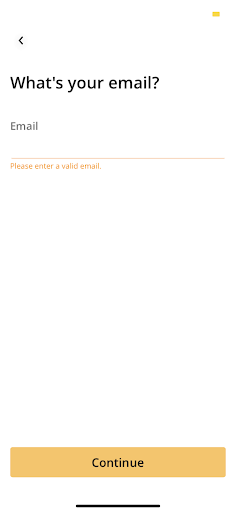
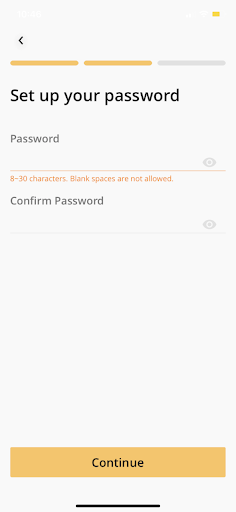
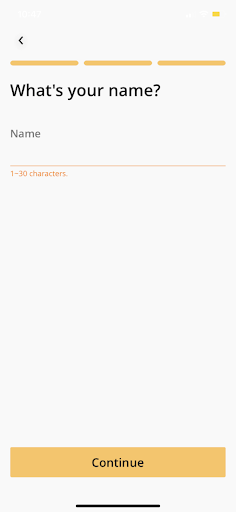
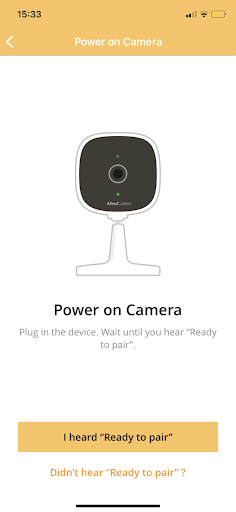
After plugging in the device, a voice from the camera will let you know that it is ‘ready to pair’.
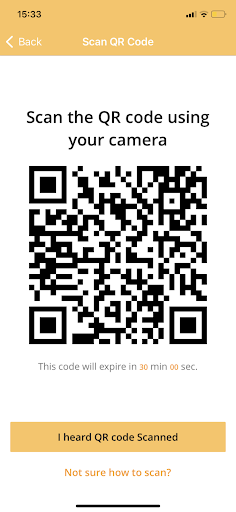
Once it does, it’s just a matter of tapping ‘Add a Camera’ from the AlfredCamera app’s main menu. A QR code will appear on the mobile device’s screen, which is then held up to the camera’s lens. It automatically pairs, and the camera is ready for use.
Hardware
AlfredCam is made from a lightweight matte plastic casing. The device clocks in at just 3.8×2.3×1.5 inch and weighs about 68g.
The base keeps the camera upright for easy desktop viewing if wall-mounting isn’t an option.
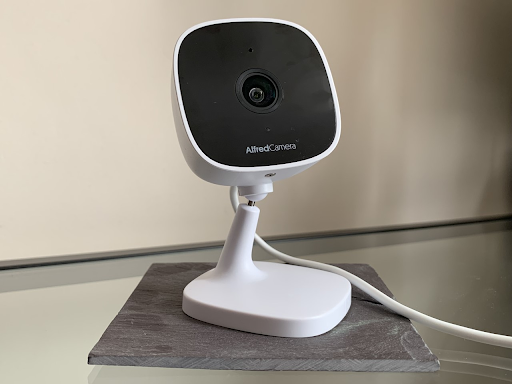
AlfredCam supports microSD cards up to 256 GB *, so users can choose between physical and cloud storage based on their preferences. The camera head sits on a ball joint that’s sturdy and smooth, allowing for swift 360-degree rotation.
It’s easy to tilt into an impressive array of positions to obtain the best viewing angles.
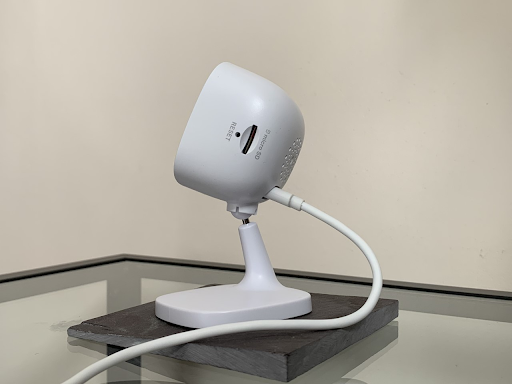
The length of the neck of the camera means that wall-mounted setups are just as ergonomic as desktop ones.
It is powered by a Micro USB cable.
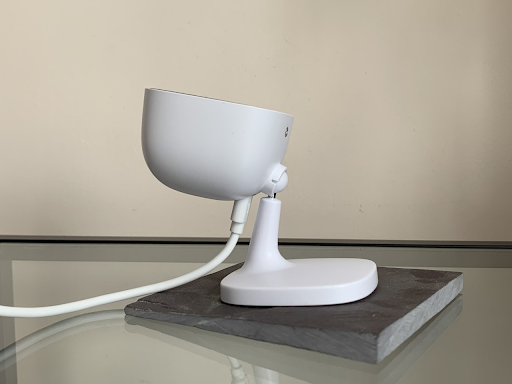
*microSD card not included.
Software
The AlfredCamera app boasts some 70 million downloads, and has positive ratings on both the App Store and Google Play.
| Wi-Fi? | LTE Data (3G, 4G, 5G)? | Bluetooth? | Wired? |
|---|---|---|---|
| ✅ Recommended 1.5 Mbps for upload, 3 Mbps for cloud recording | ❎ Camera must be connected to Wi-Fi, but the viewing device can be connected to mobile data | ❎ | ✅ Micro USB cable |
Users can add an unlimited number of camera devices to the app, including phones, tablets, desktop computers, and now AlfredCam. These are displayed in one easy-access menu.
Name the cameras, tap to view them live, trigger a siren, speak through the camera in real time, and activate motion detection, all at a moment’s notice.
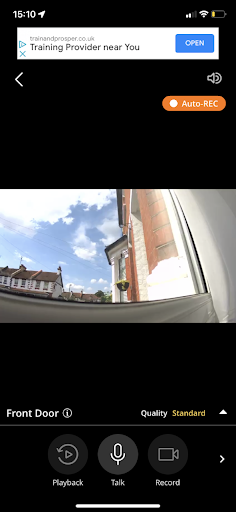
In the settings, adjust the sensitivity of the camera’s motion detection capability, enable or disable continuous recording, and monitor your ‘Trust Circle’—a group of contacts you can give access to camera devices via email.
While mobile devices can support low-light mode using AlfredCamera’s software filters, AlfredCam adds superior infrared night vision, so that you don’t miss a beat, even in total darkness.
Camera
The live feed supports up to 1080p HD video, observing large spaces in crisp detail thanks to the 130-degree field of view.
Choose between three quality modes: standard, full HD, and supreme (available with a Premium subscription) to get the most out of the camera without overwhelming Wi-Fi routers.
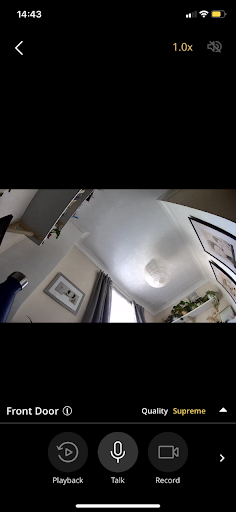
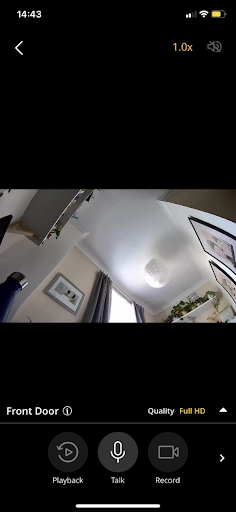
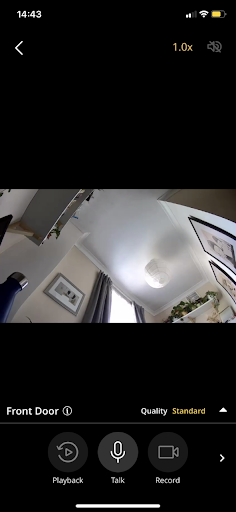
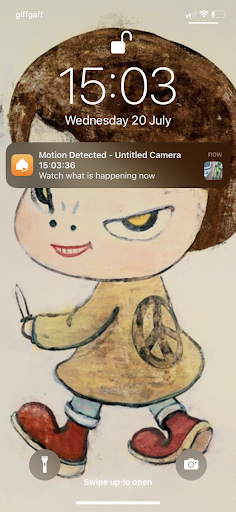
Motion detection lets AlfredCamera do what it’s best at—keeping an eye on things for you. Instant push notifications keep you in the know only when necessary.
Three different sensitivity levels help increase or decrease the likelihood of notifications based on where the camera is; reducing the sensitivity at the front door, for instance, keeps notifications relevant.
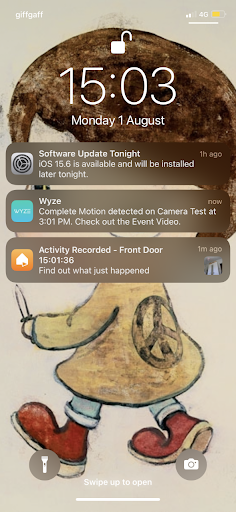
There are two types of notification—one for viewing what’s happening live, and another for viewing a just recorded event.
Audio
AlfredCam provides failsafe two-way audio to allow users to communicate with whoever or whatever is on the other side of the camera, which makes watching over kids and pets alike painless and intuitive.
Communication is enabled by the user tapping the microphone icon on the live feed menu.
The camera’s built-in siren, which is also triggered via the app, comes through the same speaker as the two-way audio, loud enough to draw significant attention to itself when activated.
Price
At just $29.99, AlfredCam puts simple, powerful security into everyone’s hands, so that newbies and existing AlfredCamera users can start building a robust security camera system at an affordable price point.
While the microSD card slot provides the option to record purely to local storage either instead of or in addition to cloud storage, Premium subscriptions double the amount of time clips are stored to the cloud (14 days in total). Free users get access to 7 days of rolling cloud storage.